A square root curve calculator helps you graph and understand square root functions instantly, without manual plotting. It shows how the curve changes with shifts, stretches, and reflections, while keeping the math accurate and easy to follow.
This tool updates the graph as soon as you change values, and it also explains key results like the starting point, domain limits, and common transformation patterns. If you’re learning algebra or pre-calculus, this page will walk you through everything in a simple, human way.
What a Square Root Curve Calculator Does
A square root curve calculator is built to do two things at the same time: compute values correctly and visualize the curve on a graph. Instead of guessing how a radical function “should” look, you can enter an equation and instantly see the exact curve.
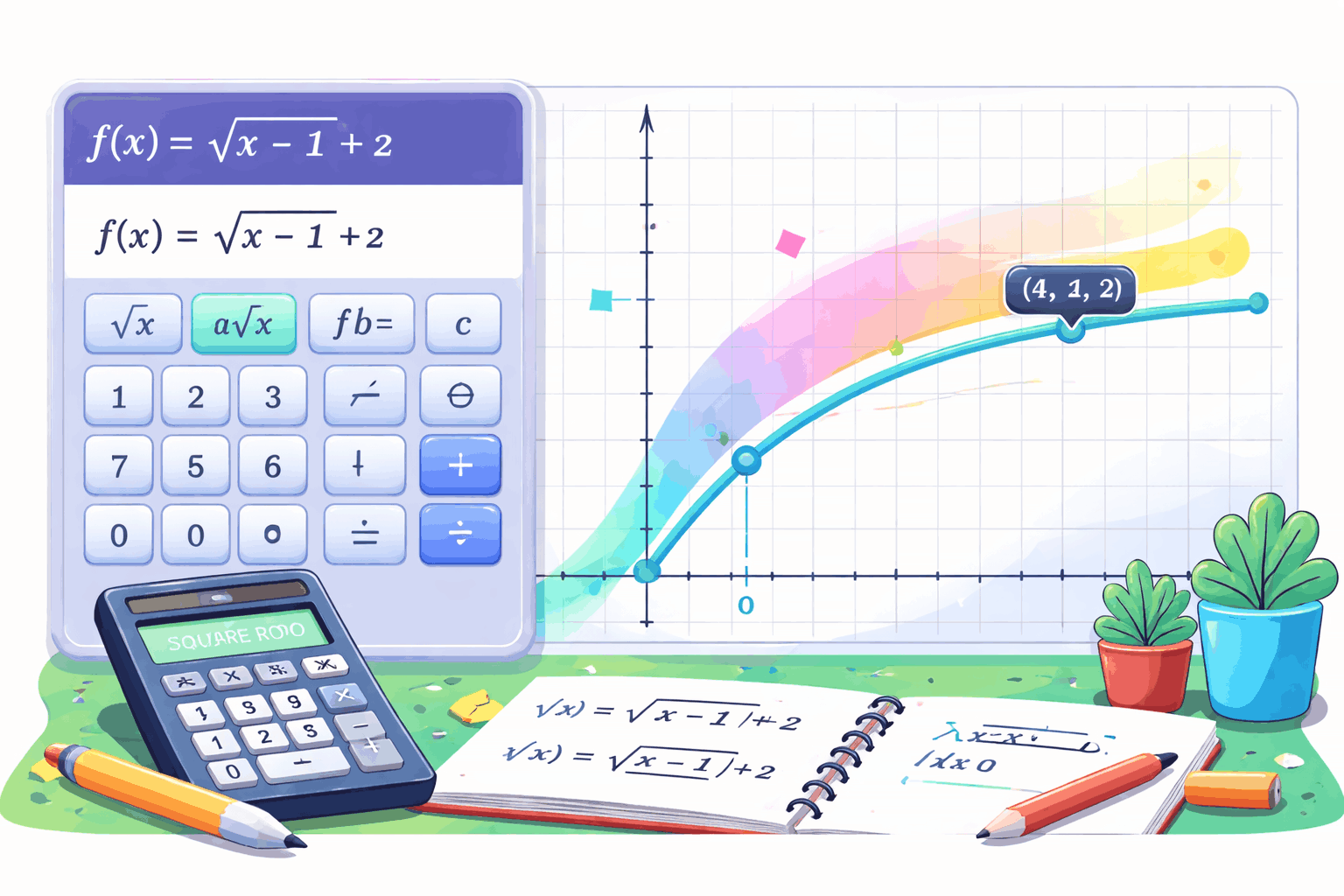
People typically expect it to handle the most common square root function forms used in school, including:
- f(x) = √x
- f(x) = √(x − h)
- f(x) = a√x
- f(x) = a√(bx + c) + d
- f(x) = −√(x − h) + k
Most importantly, users expect the calculator to automatically enforce real-number rules. That means it should prevent invalid inputs where the expression inside the radical becomes negative (unless the tool is explicitly designed for complex numbers). A good calculator also provides the “why,” not just the graph, so learners understand what changed and what stayed the same.
What Is a Square Root Function?
A square root function is any function where the input variable appears inside a square root. The simplest version is:
f(x) = √x
A square root function returns the non-negative number that, when multiplied by itself, gives the input.
So √9 = 3 because 3 × 3 = 9, and √0 = 0 because 0 × 0 = 0.
Square root functions are a core topic in secondary math because they introduce non-linear growth and the idea of domain restriction in a very clear way. The curve increases, but it increases more slowly over time, which makes it visually and conceptually different from lines and parabolas.
For curriculum alignment, the National Council of Teachers of Mathematics (NCTM) emphasizes functions and transformations as a key part of student understanding in algebra and beyond.
Domain and Range Explained
Square root graphs come with a built-in restriction: you can’t take the real square root of a negative number. That single fact determines the domain for every square root function.
In real-number math, the expression inside the radical must be greater than or equal to zero.
For the parent function:
f(x) = √x
Domain: x ≥ 0
Range: y ≥ 0
Now look at this version:
f(x) = √(x − 4)
To keep the inside non-negative, you need:
x − 4 ≥ 0
x ≥ 4
So the domain becomes x ≥ 4, and the curve starts at x = 4 instead of x = 0.
Many students know this rule but still make mistakes when the inside expression is more complex. That’s why a calculator is helpful: it applies the rule consistently and shows exactly where the graph starts.
If you want a reliable, widely used reference for these radical restrictions and function behavior, the OpenStax Precalculus (OpenStax) textbook explains domain/range and transformations in a very standard, classroom-friendly way.
How Square Root Transformations Work
Square root functions are famous for transformations, because small equation changes create very visible curve movements. In most algebra classes, you’ll see them written like this:
f(x) = a√(bx + c) + d
Here’s what each part typically does:
- a affects vertical stretch/compression and reflection if negative
- b affects horizontal scaling (how “wide” the curve looks)
- c shifts the curve left or right depending on the sign and structure
- d shifts the curve up or down
The easiest way to think about it is: changes inside the radical usually affect horizontal behavior (left/right and width), while changes outside affect vertical behavior (up/down and height).
If you’ve ever been confused by why √(x − 3) moves right instead of left, you’re not alone. That “opposite direction” behavior is one of the most common transformation errors, and it’s exactly why visual graphing makes such a difference.
Why Interactive Graphing Helps You Learn Faster
A big reason students struggle with radical functions is that they’re trying to imagine the curve instead of seeing it. When you can adjust values and instantly see the graph change, your brain connects the equation to the shape much faster.

This is also why many modern teaching standards encourage technology-supported learning for functions. For example, the National Science Foundation (NSF) funds and supports education research programs that consistently highlight the value of interactive tools and feedback-driven learning environments.
Even without reading a full research paper, the learning logic is simple: immediate feedback reduces repeated mistakes. If you shift the curve the wrong way, you’ll see it immediately and correct your understanding right away.
Real-World Uses of Square Root Curves
Square root relationships show up in real life more often than people realize, especially when a quantity grows quickly at first and then slows down.
Geometry and distance
The distance formula uses a square root because it comes from the Pythagorean theorem. Any time you calculate the distance between points on a coordinate plane, you are using a square root relationship.
Physics and engineering
Square root expressions appear in formulas involving speed, energy, scaling laws, and measurement conversions. Engineers also use radical-based relationships in many design and safety calculations. As one broad professional reference point, the American Society of Civil Engineers (ASCE) is a major engineering organization where foundational applied math concepts like radicals are a standard part of the knowledge base used across civil engineering practice.
Statistics and data handling
Square root transformations are commonly used in statistics as a way to stabilize variation in certain types of count-based data. In simpler terms, a square root can make some datasets behave more evenly so they’re easier to model.
These examples matter because they show the square root curve isn’t just a “graphing topic.” It’s a function shape that matches real patterns.
Table of Common Square Root Transformations
The table below summarizes common equation forms and the kind of change you should expect in the graph. This is useful when you want a quick “cheat sheet” before checking the curve with the calculator.
| Equation Form | What Changes on the Graph | Quick Example |
|---|---|---|
| √x | Base curve starts at (0,0) | √x |
| √(x − h) | Starts at x = h (shift right) | √(x − 3) |
| √(x + h) | Starts left of 0 (shift left) | √(x + 2) |
| a√x | Steeper if | a |
| −√x | Flips below the x-axis | −√x |
| √x + k | Shifts up or down by k | √x + 4 |
This table is meant to show the pattern, not replace understanding. The best way to learn is to pick one change at a time, test it in the calculator, and watch what happens to the curve.
Common Mistakes and How This Calculator Prevents Them
Square root functions are simple in structure, but students still make a few repeated mistakes:
Forgetting domain restrictions
A student plugs in x = −1 for √x and gets stuck. The calculator prevents that by showing the valid input range and by not plotting invalid real-number points.
Mixing up horizontal shift direction
√(x − 5) shifts right, not left. The calculator shows the start point moving to x = 5 immediately, which fixes the mental model.
Assuming the curve always starts at the origin
It only starts at (0,0) for √x. Once you introduce shifts, the start point changes. A good calculator identifies that start point.
Confusing vertical stretch with horizontal stretch
Multiplying outside (2√x) changes height; multiplying inside (√(2x)) changes horizontal scaling. Seeing both side-by-side on a graph makes the difference obvious.
The biggest benefit is that the tool gives instant feedback, so mistakes don’t turn into habits.
Step-by-Step: How to Use the Calculator
- Enter your square root equation in the supported format (for example, √(x − 4) + 2).
- Adjust coefficients or constants to test transformations.
- Check the displayed domain to understand where the curve is defined.
- Look at key points like the starting point and intercepts when they exist.
- Compare variations by changing one value at a time so you can see cause and effect clearly.
If you’re using this for homework, the best strategy is: calculate one or two points manually, then verify with the calculator. That way you’re learning and checking at the same time.
Frequently Asked Questions
A square root curve starts at a specific point and rises gradually, increasing more slowly as x gets larger.
Because real square roots of negative numbers are not defined in real-number algebra, so the graph has a restricted domain.
Use √(x − h). Subtracting inside the radical shifts the curve right by h units.
Use √(x + h). Adding inside the radical shifts the curve left by h units.
Add or subtract outside the radical, like √x + k or √x − k.
Yes. If you multiply by a negative number, like −√x, the curve reflects downward.
It is the first point where the expression inside the square root becomes zero, because that is where the curve begins.
Not always. If the domain doesn’t include x = 0, then there is no y-intercept.
Yes. A reliable square root curve calculator should handle decimals smoothly so your graph stays accurate.
Mixing up horizontal shifts and forgetting domain restrictions are the two most common errors.
Final Thoughts
A square root curve calculator makes radical functions easier to learn by showing the graph, enforcing domain rules, and helping you understand transformations without guesswork. If you’re practicing function shifts, checking homework, or teaching curve behavior, this tool turns the equation into a visual result you can trust.
Some of our popular calculators: